Your collections, on your own hardware.
Corexar keeps what you collect and manage — anime and books, files and documents, a team’s records — in fields you define, with chapters, previews, roles and search. It runs on your computer or your server, and the data stays yours.
Free for home use · macOS (Apple Silicon) and Linux · Windows via Docker
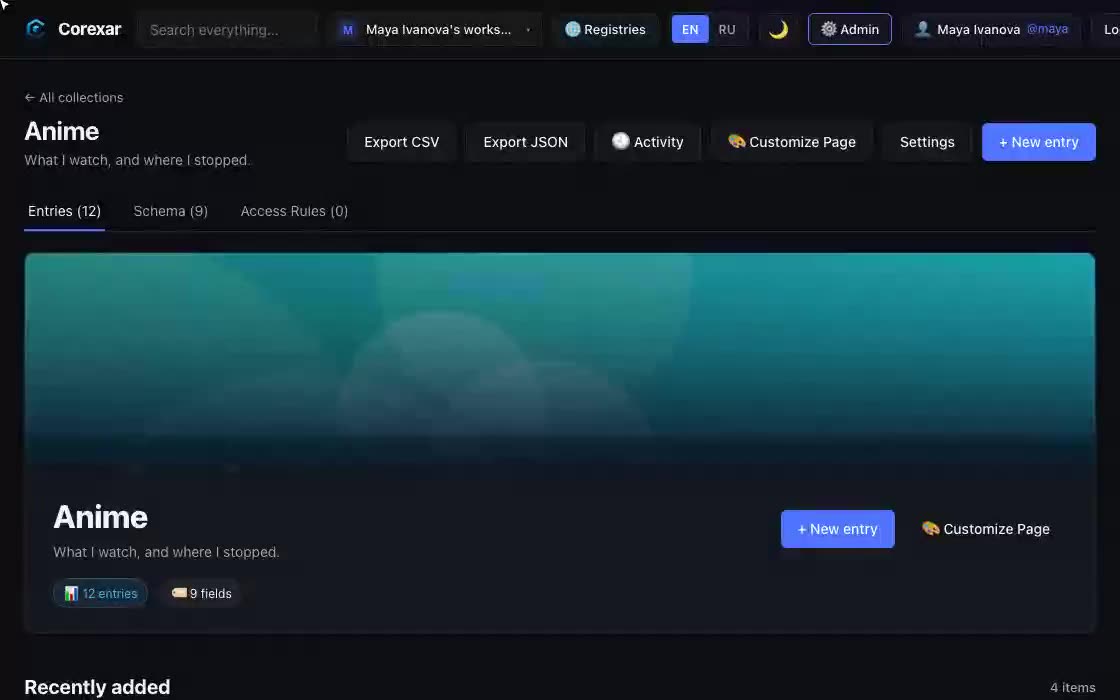 Hover to play
Pick what sounds like you
The same product solves different problems for different people. Each page starts from the problem.
Spreadsheets and notes stop working
Two hundred rows in, you cannot find anything, and there is nowhere to put a cover, a link and a rating together.
Every collection gets its own fields — status, episode, rating, dates — with cards, filters and search. Change a value on the card itself, in one click.
See examples →For self-hostersSaaS lock-in
Your notes live in a format only one vendor can read, and export is an afterthought.
Data sits in SQLite or PostgreSQL and in S3-compatible storage you own. Entries export to CSV and JSON at any time.
See examples →For teamsRecords live in five tools
Equipment in a spreadsheet, contracts in a drive, specs in a wiki: every question starts with “where is it”.
Collections with your own fields, files attached to the record, links between records across collections, and one search over everything a person may see.
See examples →See it work
These are recordings of the real interface. Point at one to play it.
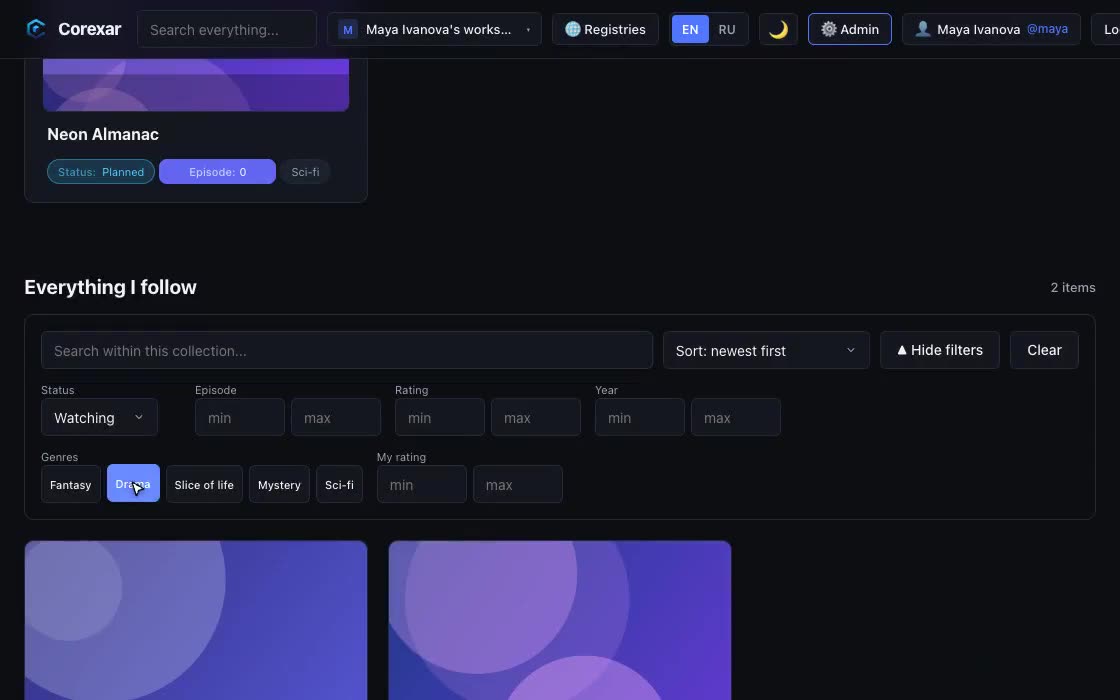 Hover to play
Find anything in seconds
Type a few letters and results narrow as you go. Add filters by status, episode, rating or any other field — the suggestions you see already respect them.
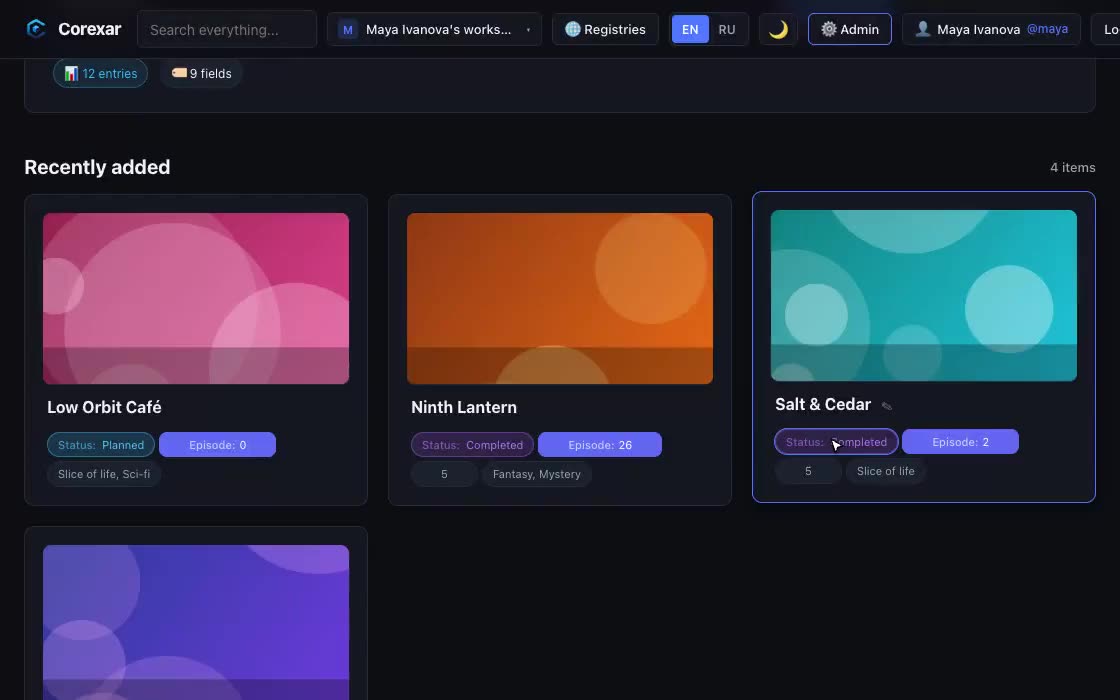 Hover to play
Fields that fit what you collect
A film needs a director and a year, a book needs a series and a page count, a server needs an inventory number. Define the fields once, reuse them in any collection.
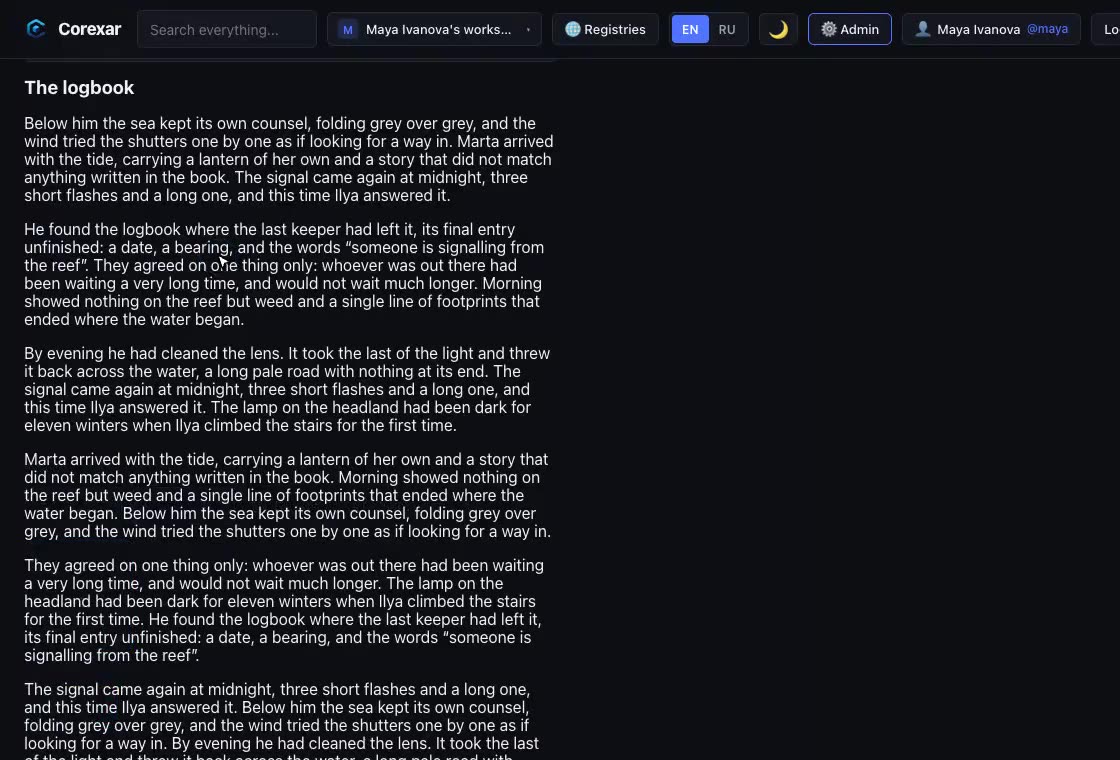 Hover to play
Chapters, episodes, volumes
Long things are not one blob. A series has seasons with episodes; a manga has volumes with chapters; a novel has chapters read page by page.
 Hover to play
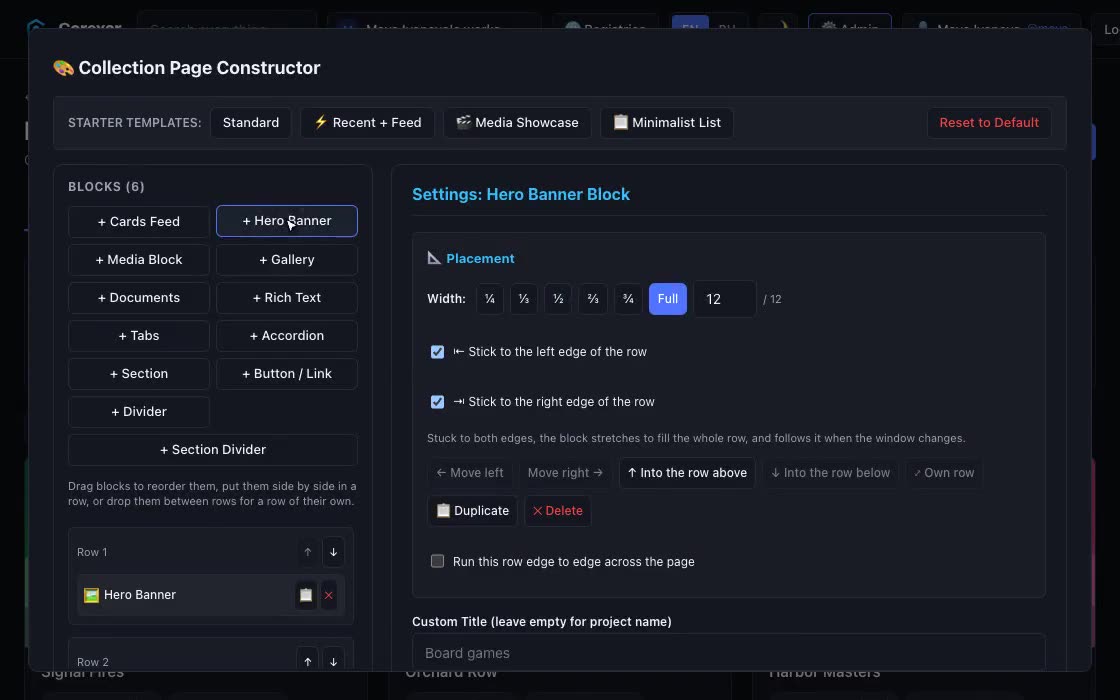
Design the page yourself
The collection page and every entry page are built from blocks you place with the mouse: a banner, a card feed, a gallery, documents, tabs — and arranged differently for phone, tablet and desktop.
 Hover to play
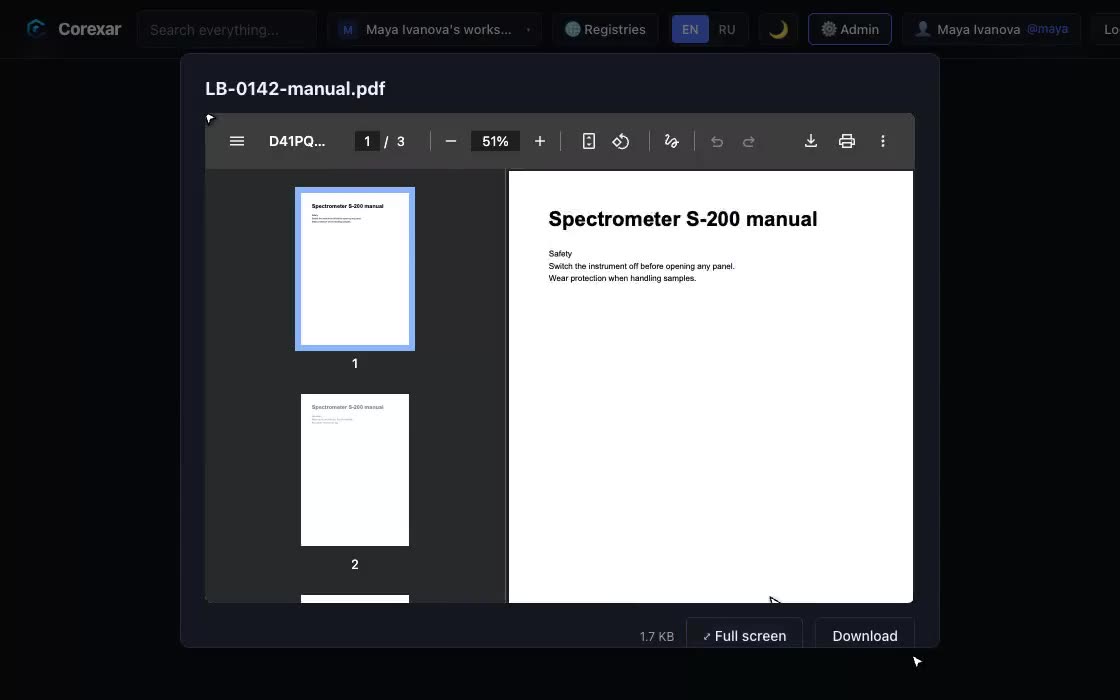
Files that play and preview
Attach video, audio, images and documents to an entry and use them without leaving Corexar.
 Hover to play
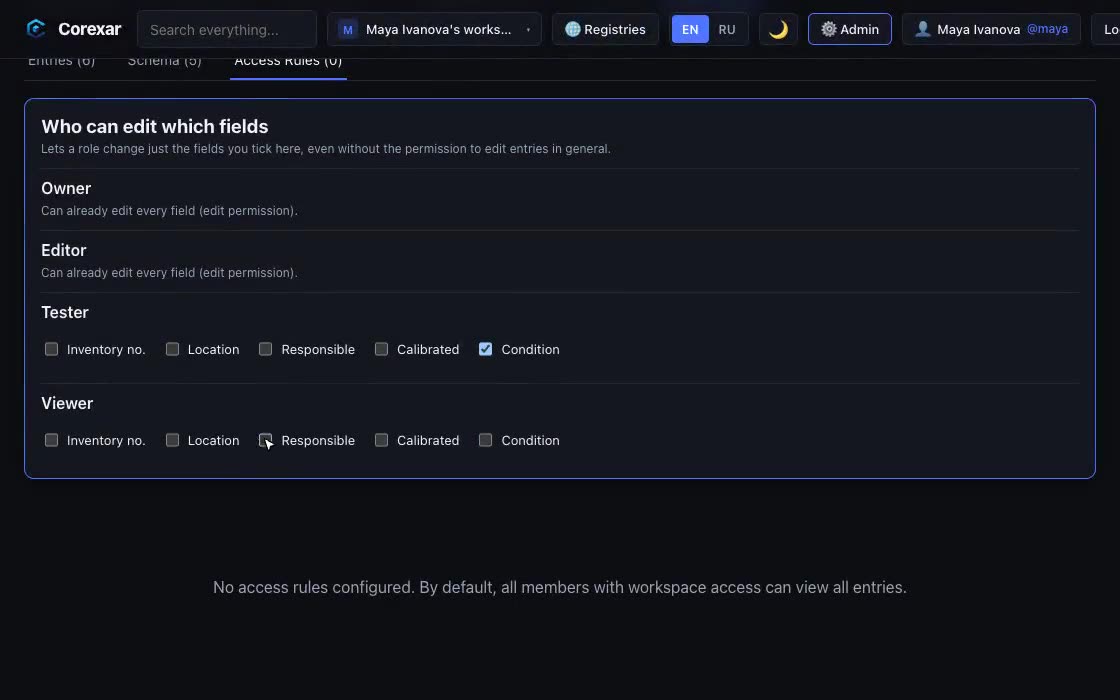
Who may do what — down to a field
Invite people, give them roles, and decide exactly what each role can change. A tester can flip the status of an entry without being able to rename it or touch the price.
Two editions, one product
Home is the quickest way to start. Server is for a shared installation and for what needs a real database.
| Corexar Home | Corexar Server | |
|---|---|---|
| Made for | A person or a family | Enthusiasts running their own server, and teams |
| How you run it | Download an app and open it; no Docker, no Java | Docker Compose (amd64 and arm64) |
| Data | SQLite and files in one folder | PostgreSQL, Elasticsearch, Kafka, S3-compatible storage (MinIO) |
| Works offline | Yes | Yes, on your network |
| Free, no key | 1 workspace, 25 collections, 2,000 entries each, 5 GB of files | Community: 1 workspace, 3 collections, 100 entries each, 1 GB |
| Encrypted collections, isolated search | No | With a Pro or Enterprise key |
| Larger limits | Home license lifts size limits only | Pro and Enterprise keys |
How we treat your data
It stays with you
Everything lives on your machine or server. Copy the folder, or dump the database, and you have all of it.
The app does not report on you
No telemetry. The only call to us is a license check, and only if you entered a key.
You can always take it out
Entries export to CSV and JSON; storage is SQLite, PostgreSQL and S3-compatible objects.
Plain about the limits
This is an alpha. Encryption protects storage, not a running server. We write down what is not there yet.
Start with your own library
It takes a couple of minutes: download, open, create the first account — that is you.