Product

What it does, shown rather than told

Each recording below is the real interface. Point at it to play, or scroll on a phone.

Hover to play

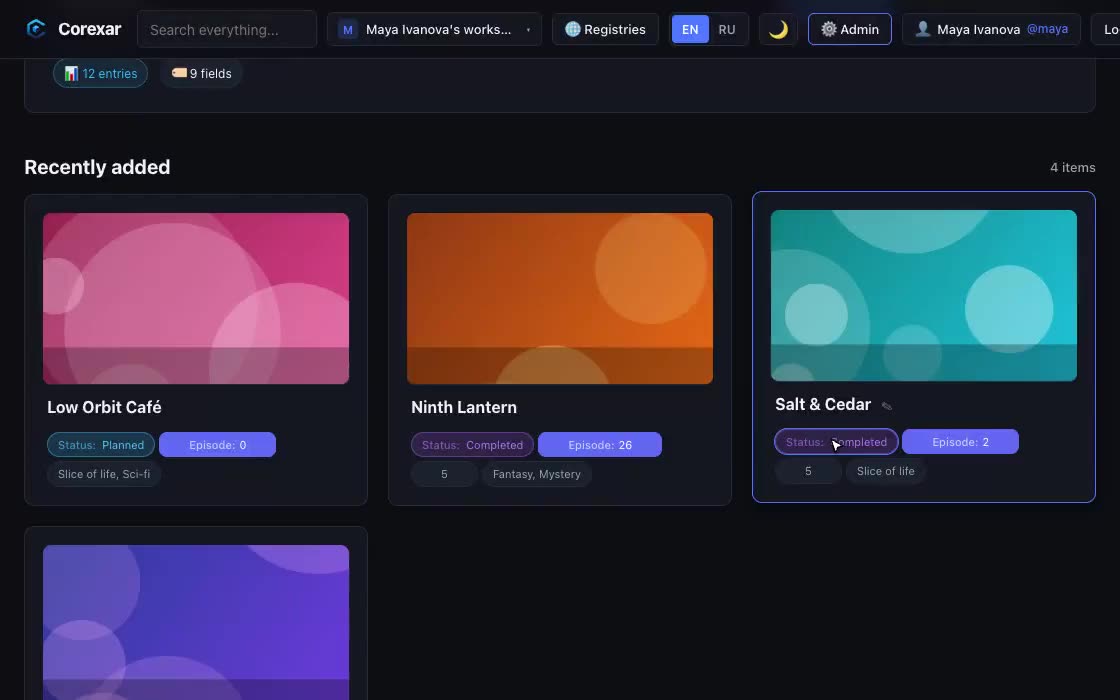
Fields that fit what you collect

A film needs a director and a year, a book needs a series and a page count, a server needs an inventory number. Define the fields once, reuse them in any collection.

  • Text, numbers, dates, choices, tags, ratings, rich text and composite fields
  • Change a value right on the card — a click on the pill, or +/− for numbers
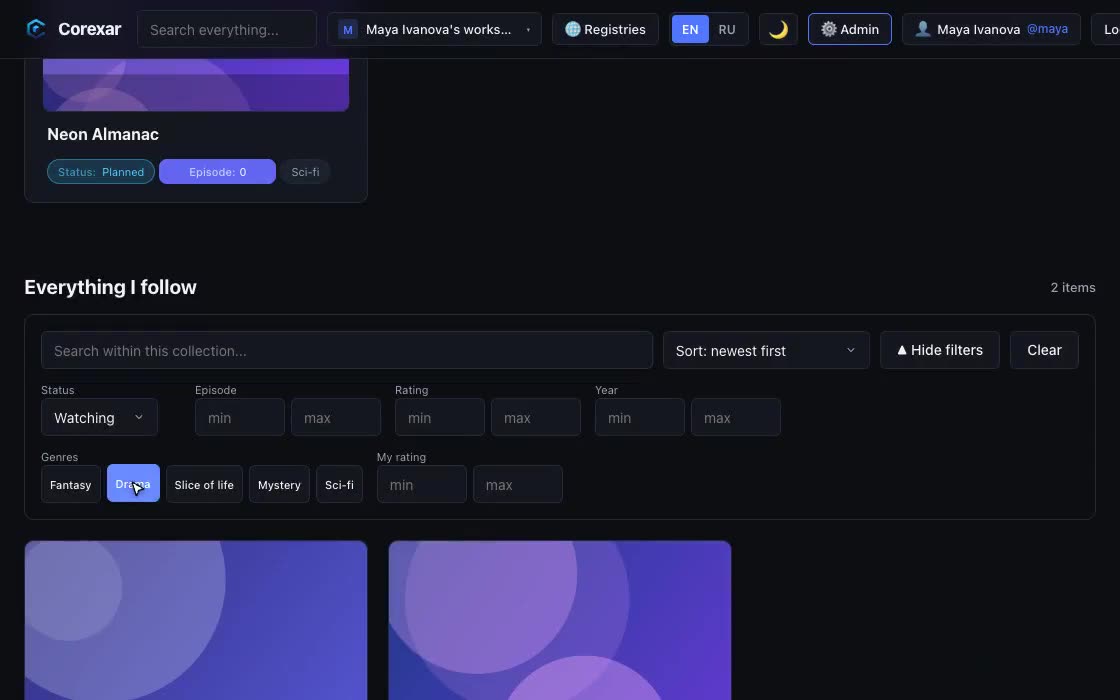
  • Personal fields: each person keeps their own rating and progress on a shared entry
  • Style the pills: shape, colour, even a colour per option (watching = green, dropped = red)
HomeServer
Hover to play

Chapters, episodes, volumes

Long things are not one blob. A series has seasons with episodes; a manga has volumes with chapters; a novel has chapters read page by page.

  • An ordered tree of parts, as deep as you need; rearrange by drag and drop
  • Text is loaded in pieces and split into pages, so a very long story opens instantly
  • Images and video in a part; a reader with the next and previous chapter at hand
HomeServer
Hover to play

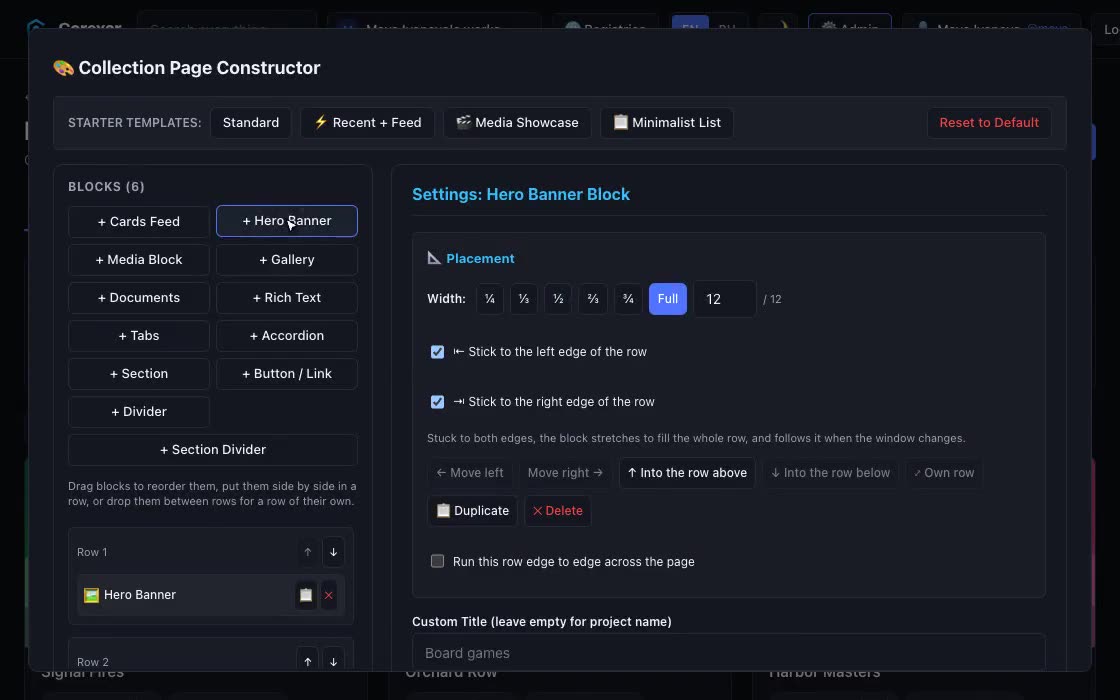
Design the page yourself

The collection page and every entry page are built from blocks you place with the mouse: a banner, a card feed, a gallery, documents, tabs — and arranged differently for phone, tablet and desktop.

  • Galleries with GIFs, looping silent video, or video with sound and a progress bar
  • Document blocks with a first-page preview, or the whole PDF opened on the page
  • Different card fields per block, ready-made starting layouts
HomeServer
Hover to play

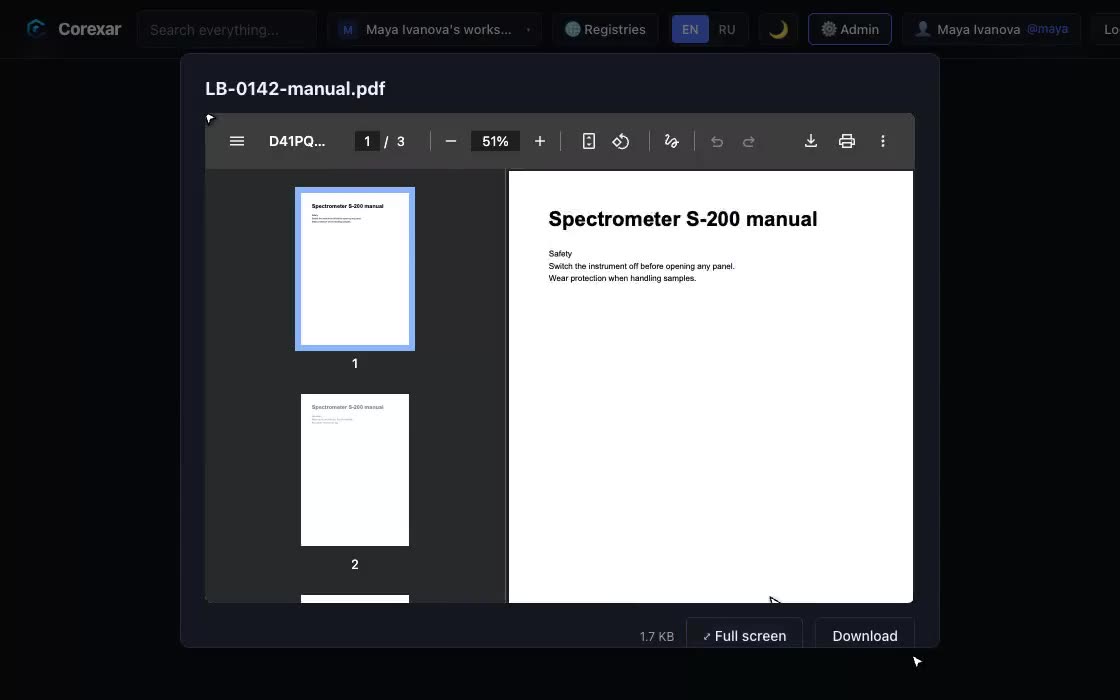
Files that play and preview

Attach video, audio, images and documents to an entry and use them without leaving Corexar.

  • A player that matches the interface, with a style you choose; adaptive streaming when ffmpeg is available
  • PDF preview, images in a lightbox, and one click to full screen
  • Upload many files at once: picker, drag and drop or paste from the clipboard
HomeServer
Hover to play

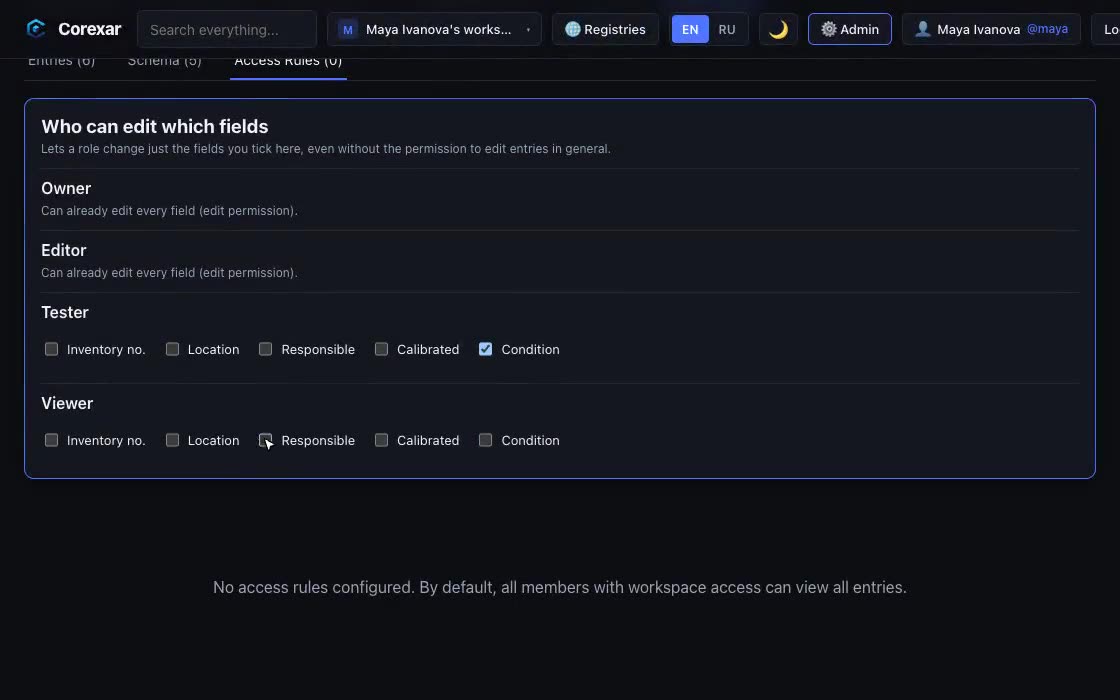
Who may do what — down to a field

Invite people, give them roles, and decide exactly what each role can change. A tester can flip the status of an entry without being able to rename it or touch the price.

  • Workspace roles with separate permissions, invitations by e-mail
  • Per-collection access rules by field value, and edit rights for individual fields
  • Activity log with filters and CSV export; sessions, moderation and API keys for the operator
HomeServer
Hover to play

Encrypted collections

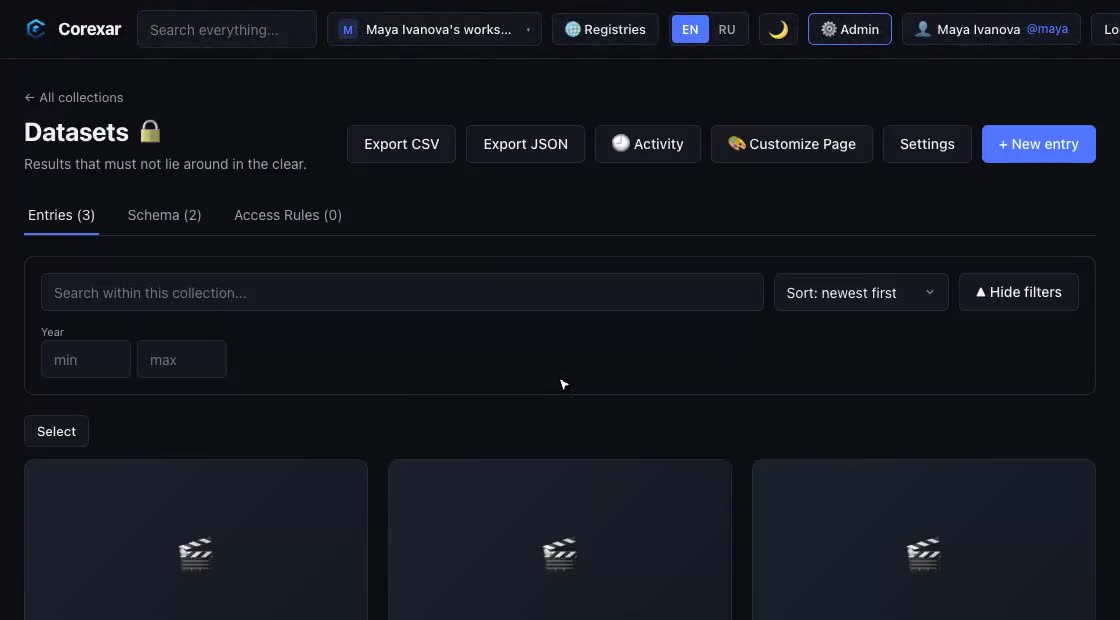
For material that should not sit on disk in the clear: a collection is locked with its own password, and what is stored — titles and values — is ciphertext.

  • AES-256-GCM with a key protected by the collection password; the password itself is never stored
  • Protects against a stolen database, backup or disk. It is not end-to-end: whoever controls the running server can see data while a collection is unlocked
  • Search inside an encrypted collection stays isolated from the shared index
  • Lose the password and the data cannot be recovered — by design
Server · Pro key
Hover to play

Publish a catalog, fork someone else’s

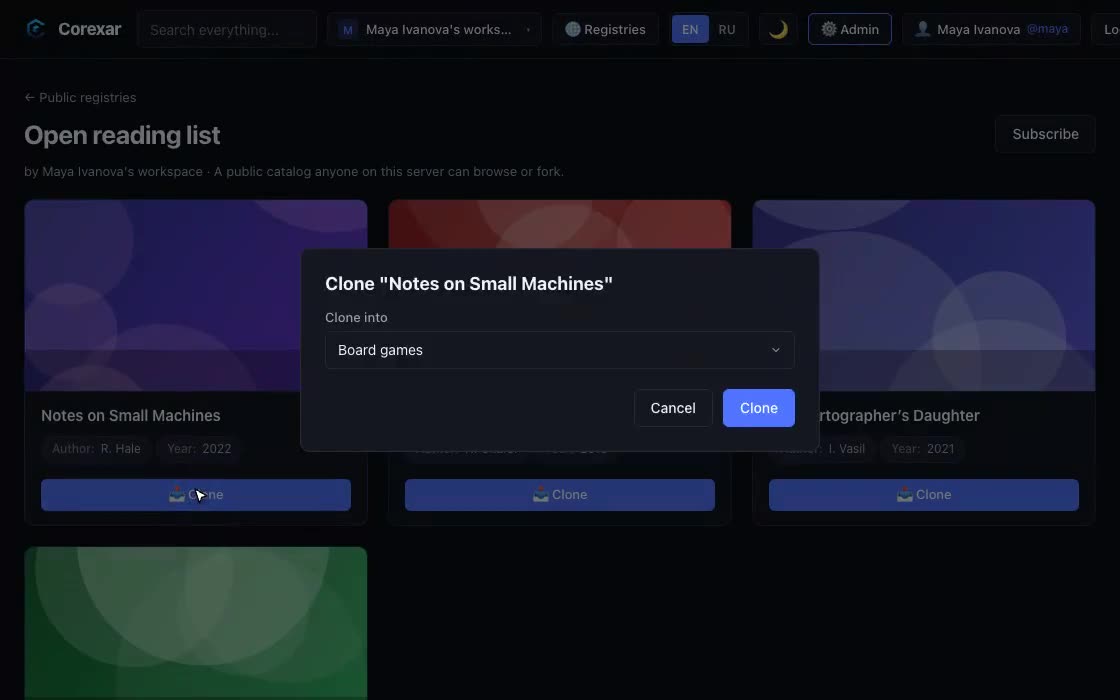
Mark a collection as a public registry to let others browse it read-only, and clone any registry into your own workspace to make it yours.

  • A fork keeps the schema and the entries, and stays independent afterwards
  • Personal fields and private notes are never part of what is published
HomeServer

Try it on your own data