For yourself

A home for everything you collect and follow

Anime, books, films, games, documents, recipes. One app on your computer — no account, no cloud, and it works offline.

Problems, and what Corexar does about them

The problem

Spreadsheets and notes stop working

Two hundred rows in, you cannot find anything, and there is nowhere to put a cover, a link and a rating together.

In Corexar

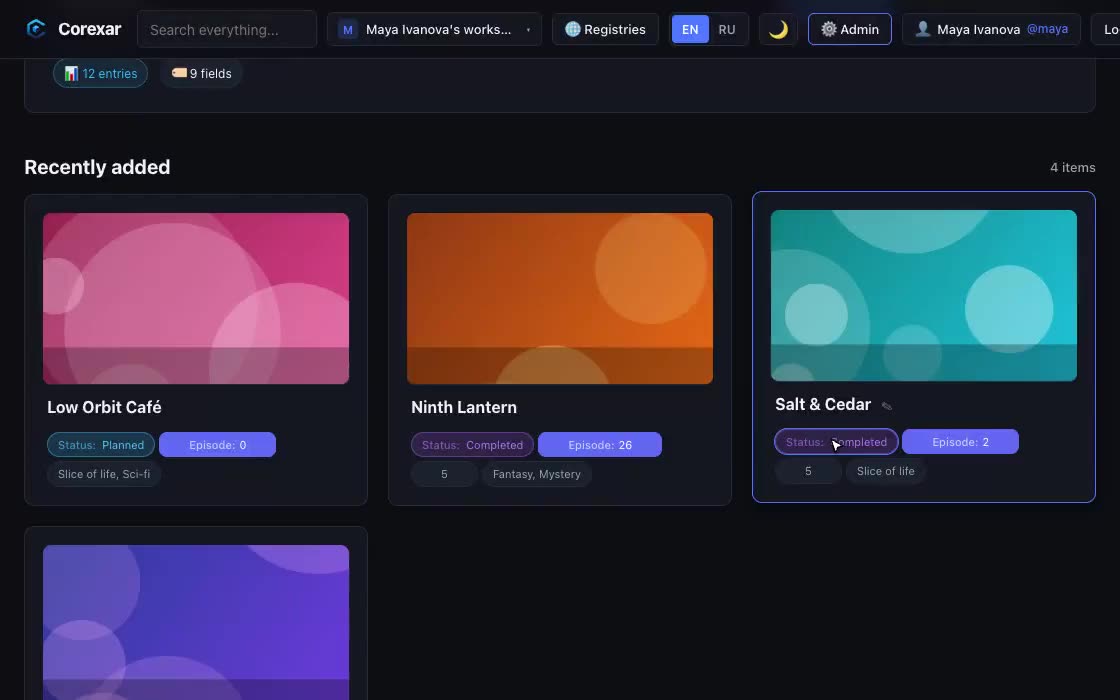
Every collection gets its own fields — status, episode, rating, dates — with cards, filters and search. Change a value on the card itself, in one click.

Watch it

The problem

Long things are hard to keep track of

A fanfic with sixty chapters, a series with four seasons, a manga in twelve volumes: one note is not a structure.

In Corexar

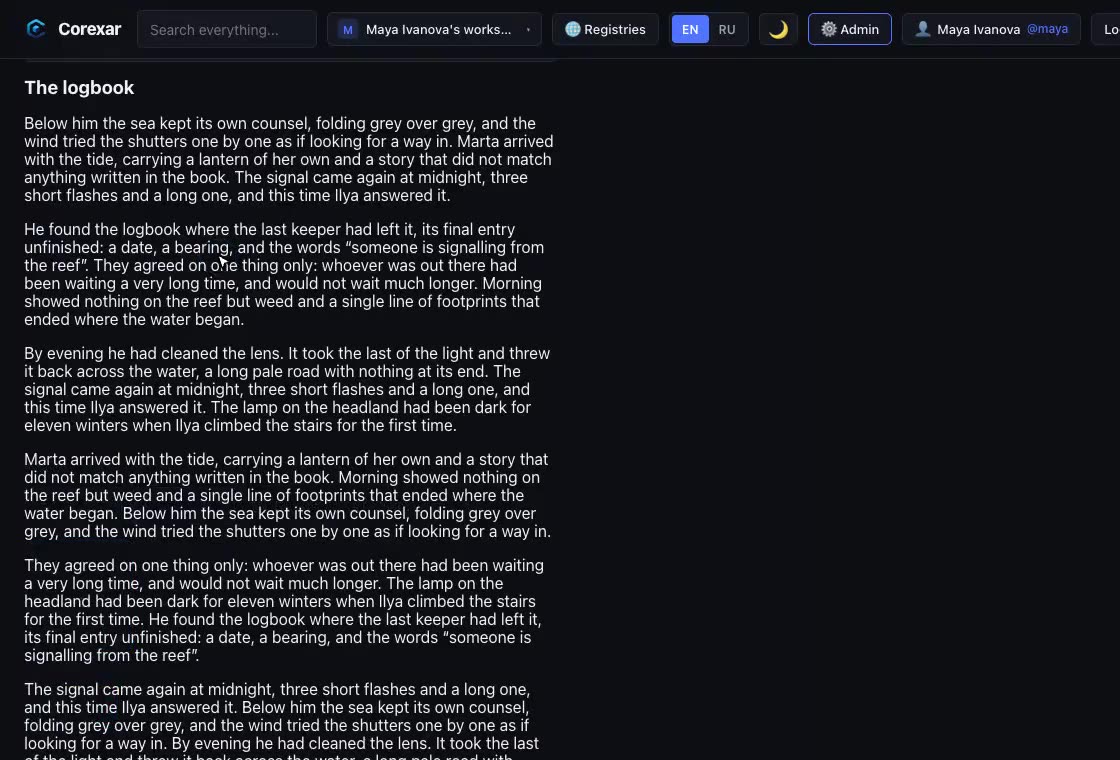
Store them as a tree: season → episode, volume → chapter. Read text page by page — a long story opens at once, because it is loaded in pieces.

Watch it

The problem

Files live somewhere else

The PDF is in Downloads, the video on a disk, the artwork in a messenger. The entry knows nothing about them.

In Corexar

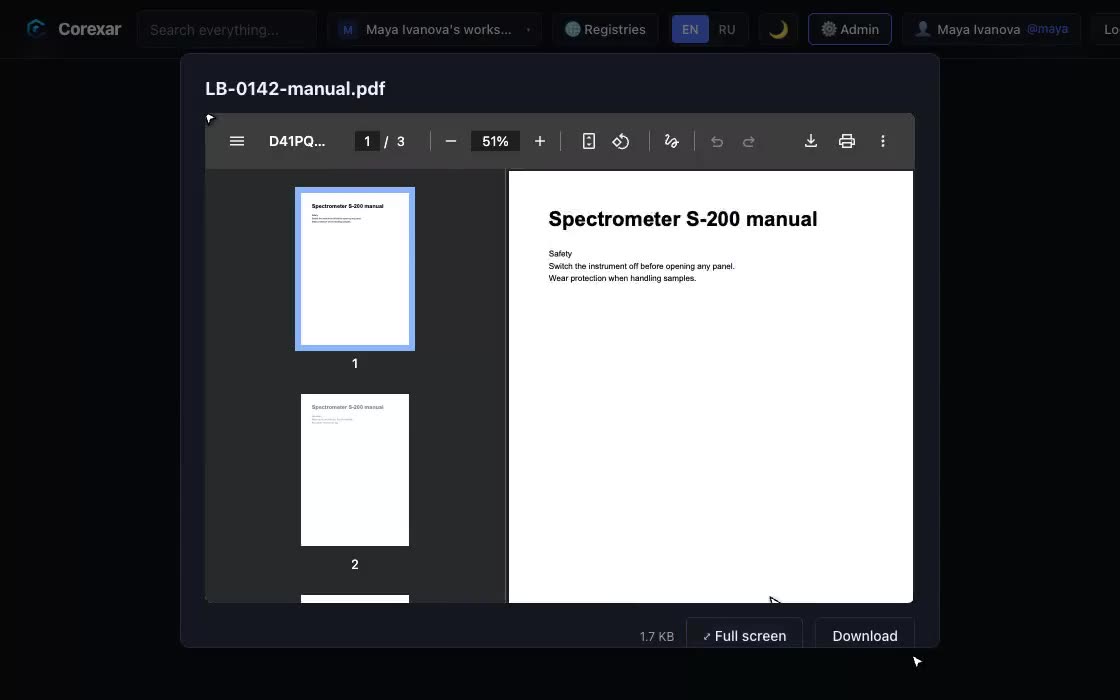
Attach files to the entry. Videos and audio play in a built-in player, PDFs preview on the page, pictures open in a gallery — all of it can go full screen.

Watch it

The problem

The family shares a library, not opinions

One list means one rating and one “watched up to”. Two people cannot both be right.

In Corexar

Everyone gets an account on the same Corexar. The entries are shared; a rating, a progress or a note can be personal, visible only to its owner.

Watch it

The problem

You do not want your collection in someone’s cloud

Services close, change terms, or take a subscription for what used to be free.

In Corexar

Home runs on your computer and keeps everything in one folder. Copy the folder — that is your backup, and moving to another machine.

An ordinary evening

You finish episode 11. Open the entry, press + next to Episode and the pill turns to 12. Status is already “watching”, and the pill is green because you decided that a while ago.

Later a friend asks what you were reading. You type three letters into search, filter by “reading”, and the list narrows — with the suggestions already limited to that filter.

What you would run. Corexar Home: macOS on Apple Silicon and Linux (x86-64 and ARM, including Raspberry Pi 4/5). Free for a household library; a Home license only lifts the size limits. Windows is not available yet.

Also: For self-hosters · For teams