For self-hosters

Runs where you want, stores what you want

A native app or a Docker Compose stack. Standard databases, an open export, an API, and nothing phoning home.

Problems, and what Corexar does about them

The problem

SaaS lock-in

Your notes live in a format only one vendor can read, and export is an afterthought.

In Corexar

Data sits in SQLite or PostgreSQL and in S3-compatible storage you own. Entries export to CSV and JSON at any time.

The problem

A heavy stack for a hobby

Four databases and a message broker to keep a list of albums is not proportionate.

In Corexar

Home is one download with SQLite inside: no Docker, no Java, and it runs on a Raspberry Pi. Server (PostgreSQL, Elasticsearch, Kafka, MinIO) is there when you want the full thing.

The problem

You want to script it

Backups, imports, a sync with something else: none of it should need a browser.

In Corexar

The same REST API the web app uses, with API keys (read-only or read-write, with an expiry) that the operator switches on. A key can never manage accounts or issue other keys.

The problem

It should look and behave like yours

A fixed layout means you bend your data to the tool.

In Corexar

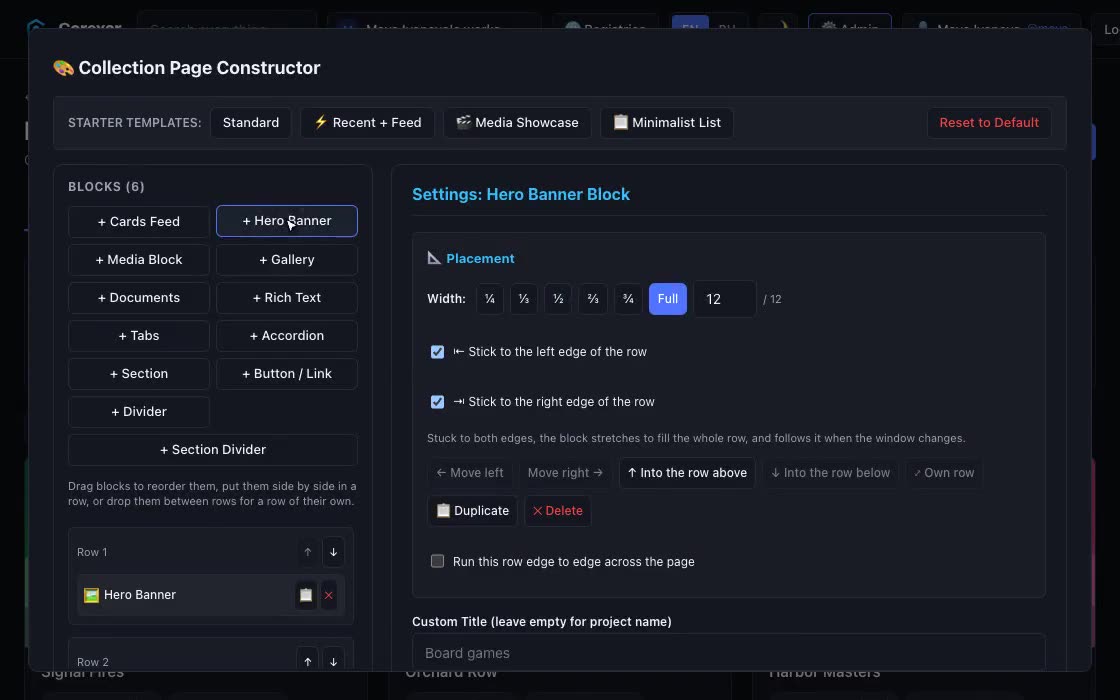
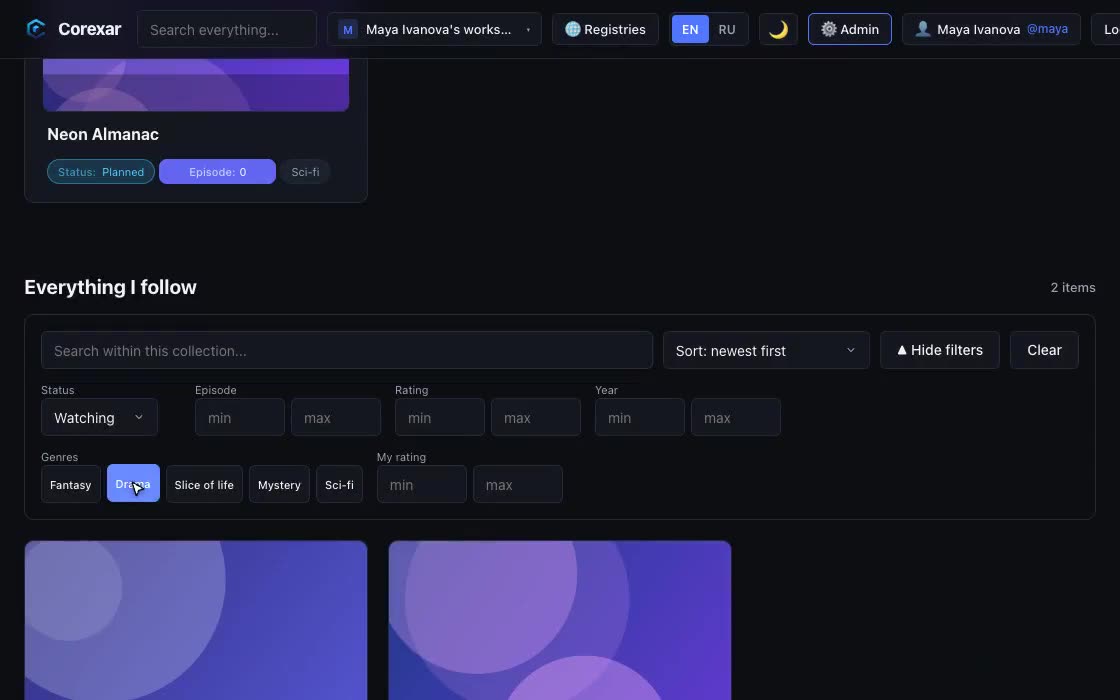
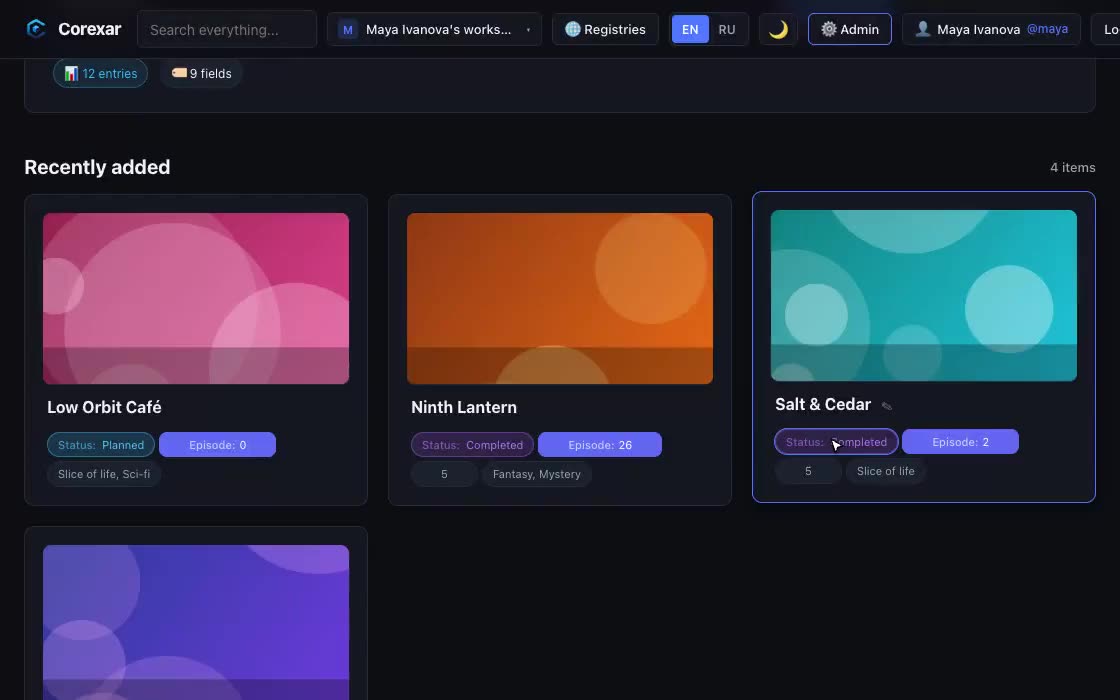
Pages are built from blocks: banner, feeds, galleries, documents, tabs, chapters. Layouts are stored as JSON, arranged per screen size, with fields, roles and access rules you define.

Watch it

The problem

What does it phone home?

Self-hosting is pointless if the software reports on you.

In Corexar

Nothing, unless you enter a license key: then it checks the key with our server and keeps working offline for seven days if that server is unreachable. CORS is closed unless you allow a site.

The problem

Backups and moving house

The plan for “what if the disk dies” should be one sentence.

In Corexar

Home: copy the data folder. Server: a PostgreSQL dump plus the media bucket. Settings live in environment variables or one properties file.

A Friday night on a home server

Copy the Compose file, set the admin e-mail and two secrets, run docker compose up -d. The first registration with the admin e-mail becomes the administrator; the rest are invited.

On the Raspberry Pi in the closet you start Home instead, and it is one file. Both keep the same data model; there is no one-click import between them yet, but entries export to CSV and JSON and the API can load them.

Where it is going

  • The data model, storage and permissions are the core; everything else is meant to be a module on top. This is a direction we are building toward, not something you can install today.
  • A module would get capabilities (read this schema, show this card) rather than the run of your data, and the core would keep files and encryption in one place.
  • Want to shape it? Tell us what you would build: contact@corexar.tech.
What you would run. Server runs on any machine with Docker Compose (amd64 and arm64). Home is a single native app for macOS (Apple Silicon) and Linux.

Also: For yourself · For teams