For teams

One registry for what the team owns

Structured records, files and search in one place, with the roles, access rules and activity log a team needs — on your own infrastructure.

Problems, and what Corexar does about them

The problem

Records live in five tools

Equipment in a spreadsheet, contracts in a drive, specs in a wiki: every question starts with “where is it”.

In Corexar

Collections with your own fields, files attached to the record, links between records across collections, and one search over everything a person may see.

Watch it

The problem

Everyone sees everything — or nobody sees anything

Coarse access forces you to pick between exposure and a bottleneck.

In Corexar

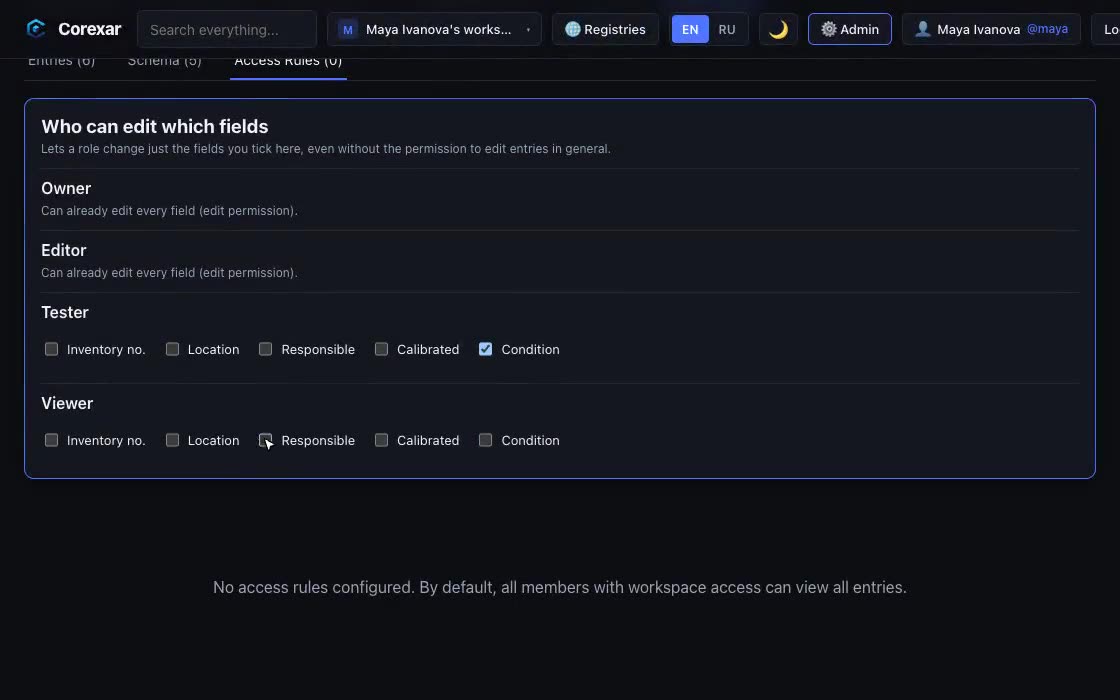
Workspace roles with separate permissions; per-collection rules by field value; and edit rights for single fields, so a role can change “status” but not “price”.

Watch it

The problem

Some material must not lie around

A copied database or a backup should not be a data breach.

In Corexar

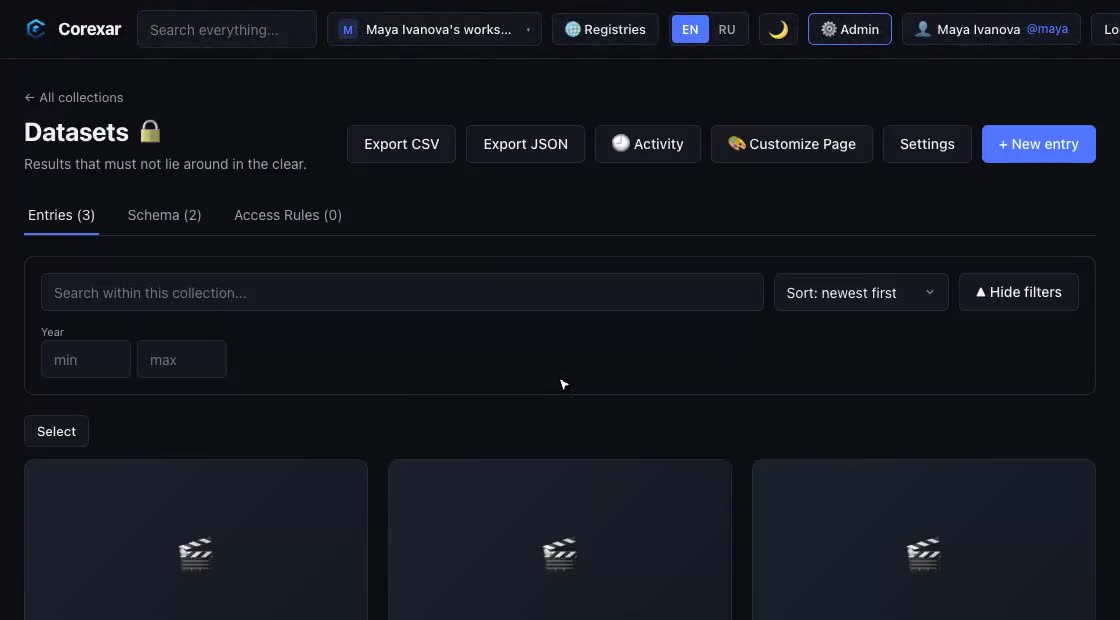
Encrypted collections: titles and values are stored as ciphertext under a key protected by the collection password. It guards against stolen storage and backups; it is not end-to-end, and we say so.

Watch it

The problem

Who changed what, and when

Without a trail, every dispute about a record is an argument.

In Corexar

An activity log per workspace and per collection with filters, CSV export and retention. Titles of protected records are withheld from the log itself.

The problem

People come and go

Onboarding by shared password and offboarding by hope is how access outlives employment.

In Corexar

Invitations by e-mail, a list of devices with remote sign-out, moderation (ban, restore, erase) and API keys with an expiry.

The problem

Sharing a catalog outside the team

A parts list or a reading list for partners usually means a PDF that is stale a week later.

In Corexar

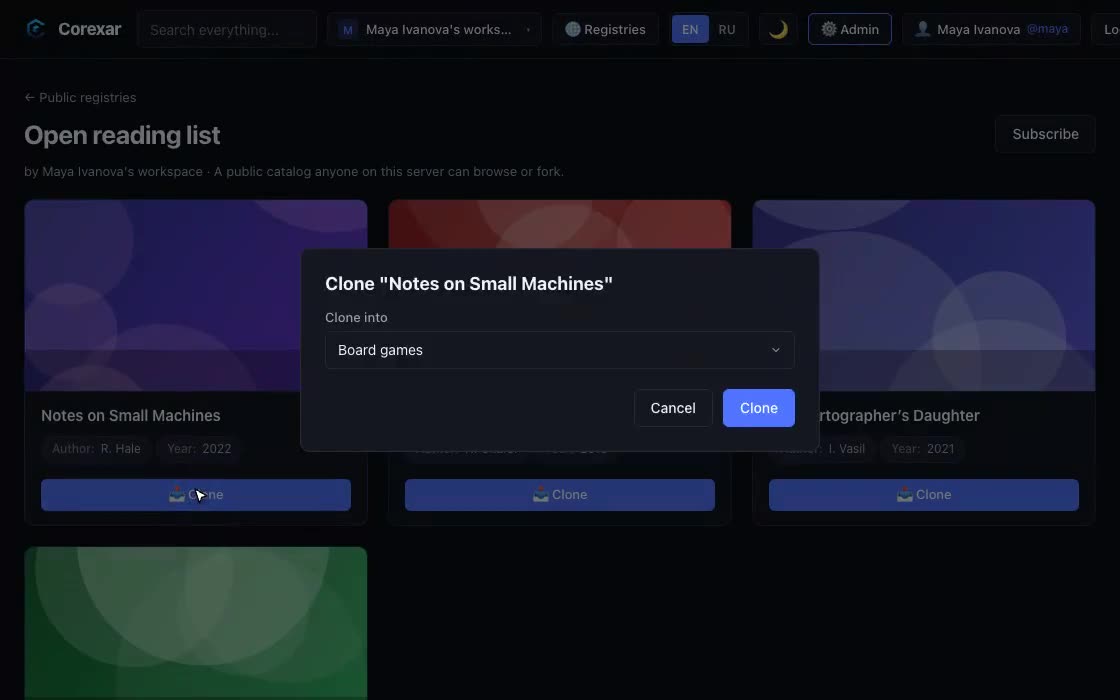
Publish a collection as a read-only registry; others can browse it or fork it into their own workspace. Personal fields never leave.

Watch it

A lab’s equipment and datasets

Each instrument is a record: inventory number, location, responsible person, calibration date, the manual as a PDF, photos. A technician role can change “location” and “calibration date”; only the manager can edit the rest.

Datasets sit in an encrypted collection that only two people can unlock. The activity log shows who changed what; a public registry lists the instruments other labs may borrow.

What teams keep in it

Product specifications

Requirements, drawings and test results attached to each item, with release status only some roles may change.

A studio’s asset library

Footage, audio and documents per project, with a review status that reviewers can change and nothing else.

An internal registry

Contracts, requirements or licenses as records with files, links between them and an audit trail.

What is not there yet

  • Single sign-on (SAML, OIDC) and LDAP: accounts are local, with e-mail sign-in and confirmation.
  • A supported high-availability setup and vendor support: this is an alpha, run it with backups.
  • End-to-end encryption: collection encryption protects storage, not the running server.
What you would run. Server edition on your infrastructure. Encrypted collections, isolated search and team governance need a Pro or Enterprise key; during the alpha they are issued free on request.

Also: For yourself · For self-hosters