Guide / API & AI Agents
AI Agent Integration via MCP
Zero-config connection for Claude Desktop, Cursor, Antigravity, and Cline using Model Context Protocol.
Model Context Protocol connects Corexar as an external knowledge base and action engine for frontier LLMs.
Configuring MCP Clients
Add the mcp-server launcher command to your client config (Claude Desktop, Cursor, or Antigravity) with your server URL and API key.
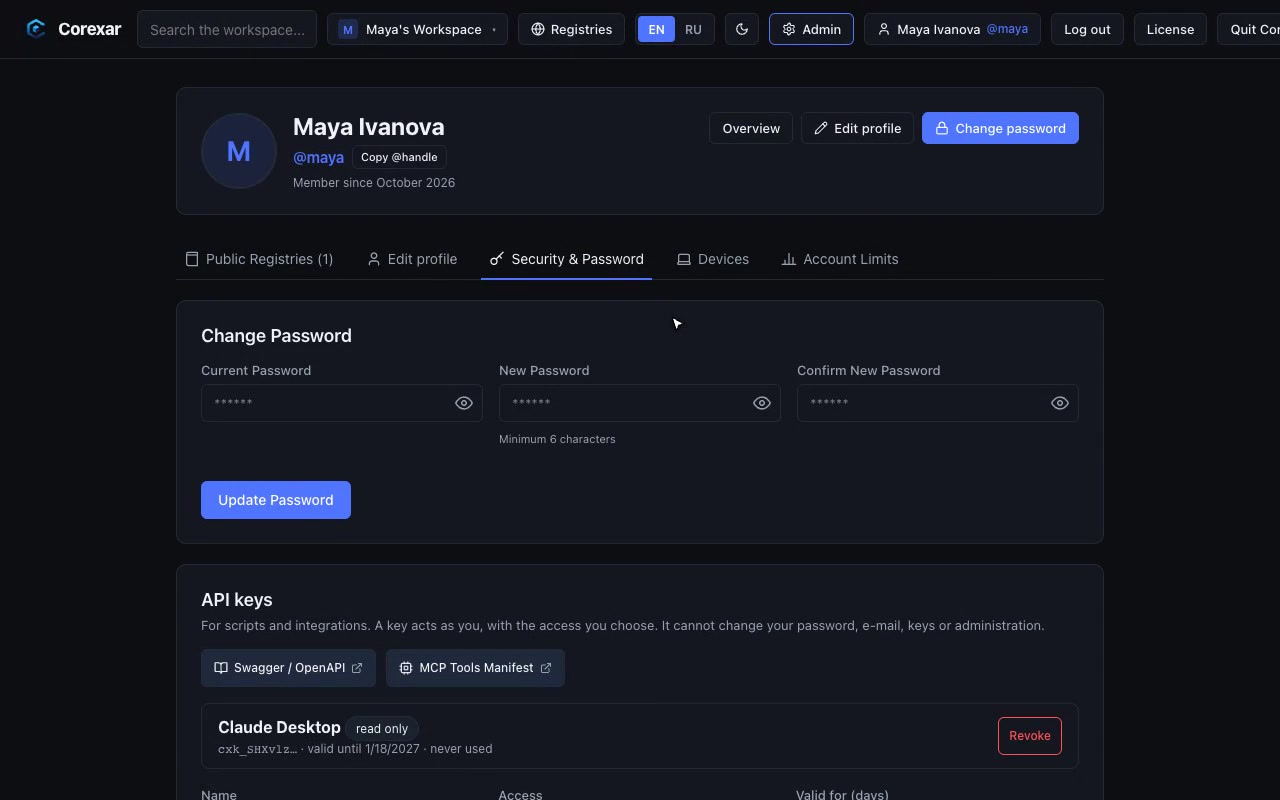 Hover to play
Tools for LLM Agents
The built-in MCP server registers a rich set of domain tools:
- corexar_get_profile: identity check and accessible workspaces
- corexar_list_projects: collections listing with field schema types
- corexar_get_collection_schema: workflow schema and transition rules
- corexar_search_items: full-text and semantic card discovery
- corexar_create_item and update_item_fields: record creation and field updates
Note. The MCP server runs as a fast local CLI bridge via standard input/output (stdio), providing instant latency.