Guide / Registry & Extensions
Modules
Background services that add features to Corexar, and two ways to install them.
A module is a separate service that adds a feature to Corexar, for example comments, notifications, encrypted multi-cloud storage or a crypto worker. It runs next to the platform, joins it by itself and appears in Administration, under Modules and discovery.
Two ways to install
- Corexar Home: open the extension catalog, choose the module and install it in one click. Corexar downloads it and runs its process; you start and stop it on the "Installed processes" tab.
- Corexar Server (Docker): run the module as a container next to the platform, using the docker-compose.yml published with it in the registry, and point it at the router. It registers itself.
Examples
- Comments: discussions under cards, with replies, reactions, photos, video and voice messages.
- Notifications: the inbox under the bell, and delivery to e-mail, Telegram and webhooks.
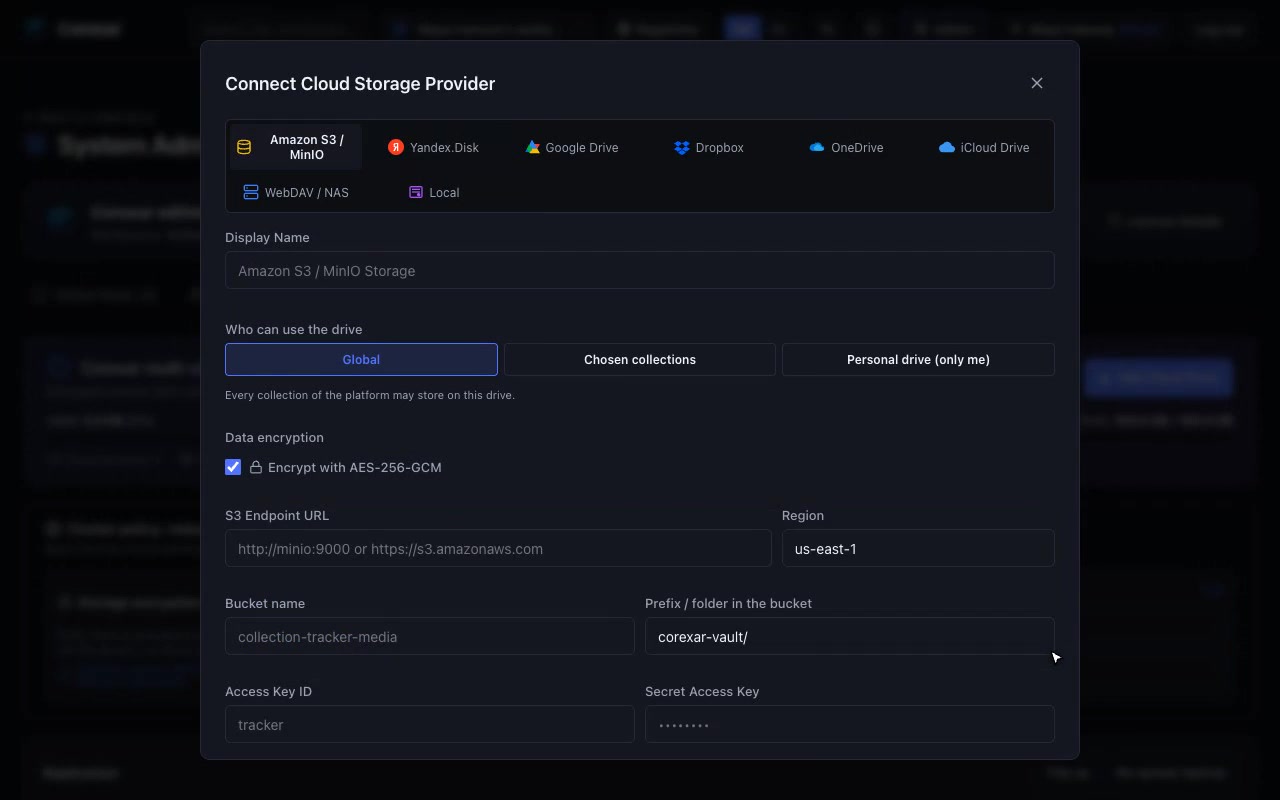
- Vault: cloud drives joined into one encrypted storage with redundancy.
- Crypto worker: encryption and decryption moved to a separate service.
 Hover to play
Note. The details of every module (settings, ports, guide and screenshots) are in the registry.